RevTim
Beta Tester
- Messages
- 1,975
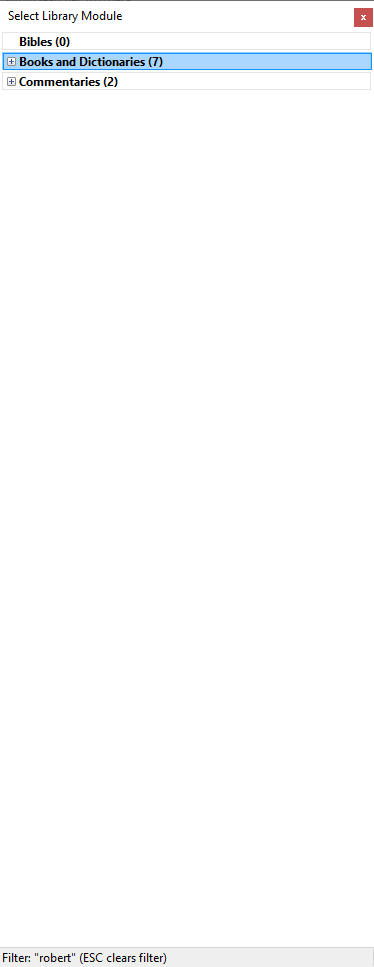
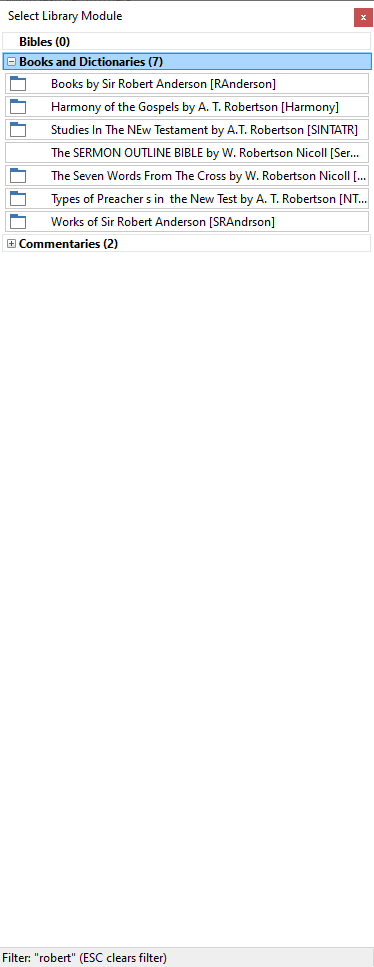
I am not sure this feature gets enough love. There are several ways to see what resources you have with the program, but if you open this tool (ctrl+ f10 [Bibles] +f11 [books] +f12 [commentaries]) you can then simply type what you are looking for, to see if you have a resource. If you have all 3 module search categories collapsed, when you type in any word, name, etc it will show you all resources with that in the full title (this includes author's names). I wanted to see all the resources (official & user made!) I had by W. Robertson Nicoll, so I typed in "Robert" and I found 7 works (not all by him - works by Robert Anderson and AT Robertson came up too). But if you are searching for a specific module, this is a quick way to do it. It's an older feature, but very helpful. Again, SwordSearcher is perhaps the most feature integrated & intuitive Bible program I have used for effective Bible Study. So many ways to use, search, learn, benefit & grow!