

RevTim
Beta Tester
- Messages
- 1,989
Brandon, I know (and use) the widget to set the active verse and perform synch functions.
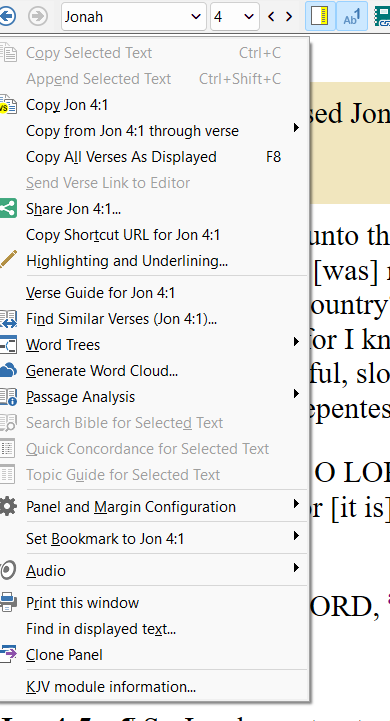
Is it possible to add this to the windows keyboard button that brings up a dropdown choice of options for the verse you are in? Same options as when you use the right mouse key. I'm hoping this would be an easy tweak, and be another keyboard shortcut option for functionality in the program. Thanks for the consideration.
Is it possible to add this to the windows keyboard button that brings up a dropdown choice of options for the verse you are in? Same options as when you use the right mouse key. I'm hoping this would be an easy tweak, and be another keyboard shortcut option for functionality in the program. Thanks for the consideration.
 )
)